Contribution skyline
On the spacetime grid
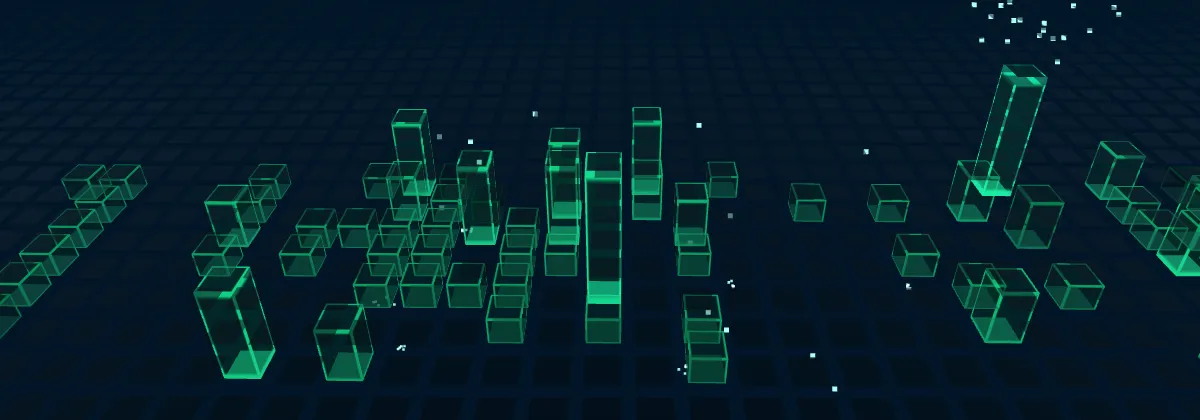
Use the skyline as a layer on an existing spacetime grid, with bars standing on the animated tiles.
If your page already has a spacetime grid, add the skyline to it as a plugin instead of creating a second scene. This is how abhiramkrishna.com does it.
import { SpacetimeGrid } from "@abhiramkrishna/spacetime-grid";
import { contributionSkyline } from "@abhiramkrishna/contribution-skyline";
import data from "./data/contributions.json";

const grid = new SpacetimeGrid(document.querySelector(".background")!);
const skyline = contributionSkyline(data, { progress: () => aboutProgress() });
grid.use(skyline);- Floor: the bars stand on the grid’s tiles and move with its waves, wells and ripples.
- Glow: the days beneath light up through
grid.glow. - Colour: the bars take the grid’s highlight colour, unless you set
color.
Placement
By default, the 53 × 7 block sits in the middle of the grid. There are two other options:
contributionSkyline(data, { origin: { col: 4, row: 20 } });

contributionSkyline(data, {
  anchor: { ndc: [0, -0.45], pose: aboutPose },
});originsets the first tile. The oldest day goes at the back left.anchorcentres the block where a screen point (−1 to 1 on each axis) meets the grid, as seen from a camera pose. Use it when the camera moves between poses withscrollCameraand the skyline should be in view at one of them.
Rising with scroll
Pass progress as a function. It’s read every frame, so the bars rise as you scroll down and sink as you scroll back up:
const about = document.getElementById("about")!;

contributionSkyline(data, {
  progress: () => {
    const start = about.offsetTop - innerHeight;
    const end = about.offsetTop - innerHeight * 0.4;
    return Math.min(1, Math.max(0, (scrollY - start) / (end - start)));
  },
});
When progress is 0, the bars, particles and glow are hidden and cost almost nothing.
Changing it
skyline.setOptions({ barScale: 1.3, burstLevel: 3 });
skyline.setProgress(1);
skyline.setData(newData);

const remove = grid.use(skyline);
remove();
Removing the layer takes its meshes off the grid, clears the glow and frees its GPU resources.